Gloss over it
The agent's UI change looks fine in the pull request, so it ships.
WHAT IT COSTS
Users find the broken flow. Support tickets, churn, and a fix sprint you didn't plan.
THE DESIGN LOOP
AI made writing code nearly free. Checking that each screen does what was asked didn't get any faster. That is where your team's time goes now.
90 seconds. It reads with the sound off.
WHERE THE TIME GOES
Write, test, fix: the verdict is objective, takes seconds and needs no screen, so an agent runs it alone, all night.
Draw, build, look, judge: is this what was asked for, and does it feel right? An agent cannot answer that alone.
The agent's UI change looks fine in the pull request, so it ships.
WHAT IT COSTS
Users find the broken flow. Support tickets, churn, and a fix sprint you didn't plan.
Every UI change waits for design review: screenshots, threads, rounds.
WHAT IT COSTS
Design becomes the queue. The speed you bought with agents is spent waiting.
THE AIRFRAME LOOP
Early, on the wireframes, before code: minutes, not a release.
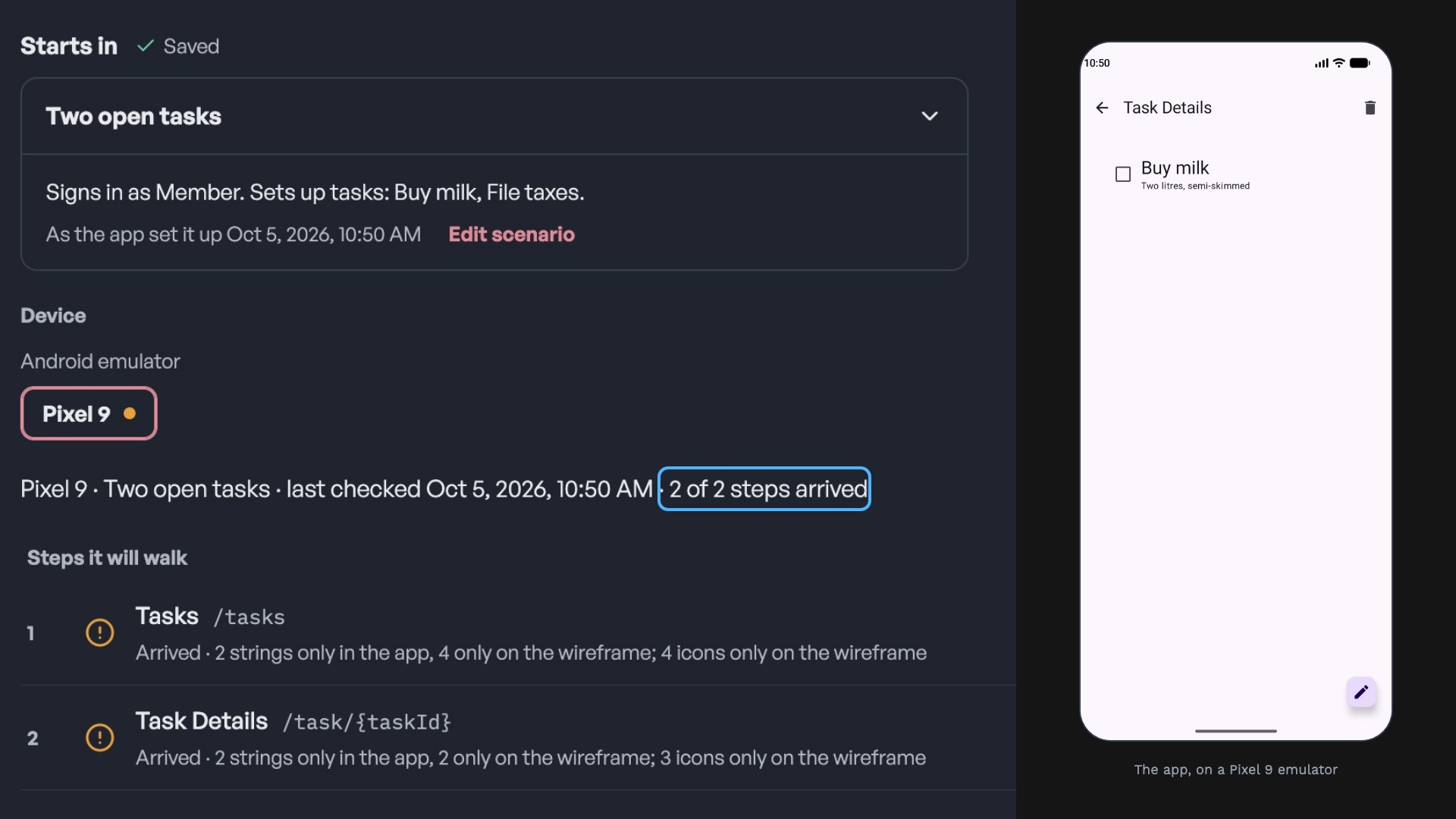
It runs your real flows on a device and compares each screen to its design.
Each change is matched to the requirement it serves. Rules settle most; a model suggests the rest.
The whole loop is an interface. In the engagement we set review where your team wants it, product area by product area.
Any model, through MCP.
End to end, unattended.
In the app, when it matters.
PROOF
An open-source Android app, imported cold.
DESIGN LOOP ENGINEERING
Two weeks · one product area · a clear decision at the end
One product area: its requirements, flows and people, and the states they start in.
Your app made walkable: real flows run automatically, on your devices.
Every run reports where app and design differ. People review only that.
Your team and your agents run it. Extend it yourselves, or with us.
Review rounds per UI change
Time from merged to 'the UI is right'
Differences found before users find them
Bring one product area. We'll scope it on the call, or write to contact@airrostudio.com.
Want to try the loop yourself first? Airframe is free on your Mac.
Download for Mac